
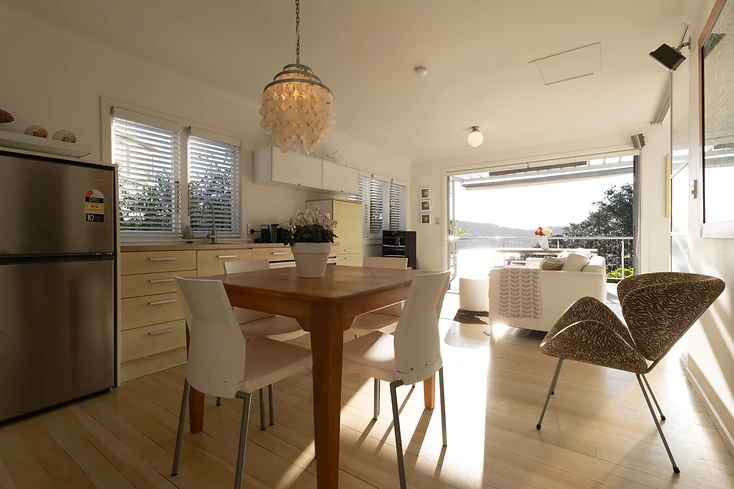
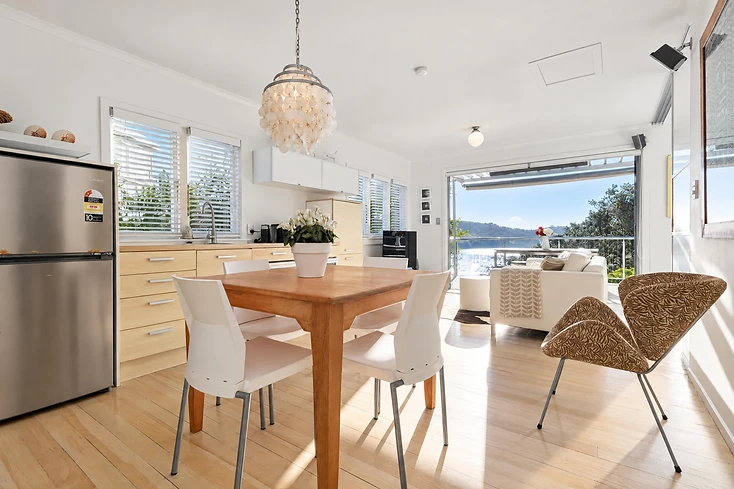
Drag
BeforeAfter Relight
Clean Edit
Turn a straight-out-of-camera photo into a polished, natural-looking final image while preserving the original scene, colour, and character.
Drag the sliders to compare. Every example starts with a straight-out-of-camera photo and is processed with a standard Relight tool or preset — no manual blending, no traditional HDR workflow.
RelightTurn a straight-out-of-camera photo into a polished, natural-looking final image while preserving the original scene, colour, and character.
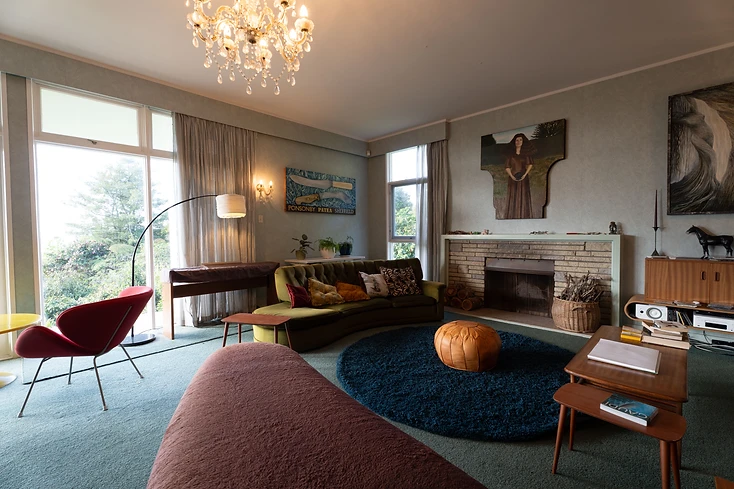
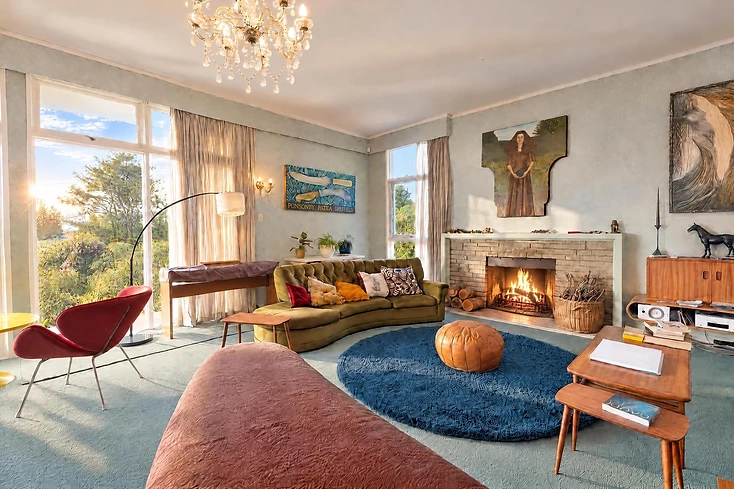 Relight
Bring overcast or flat interiors to life with believable natural sunlight introduced from the existing windows and openings in the scene.
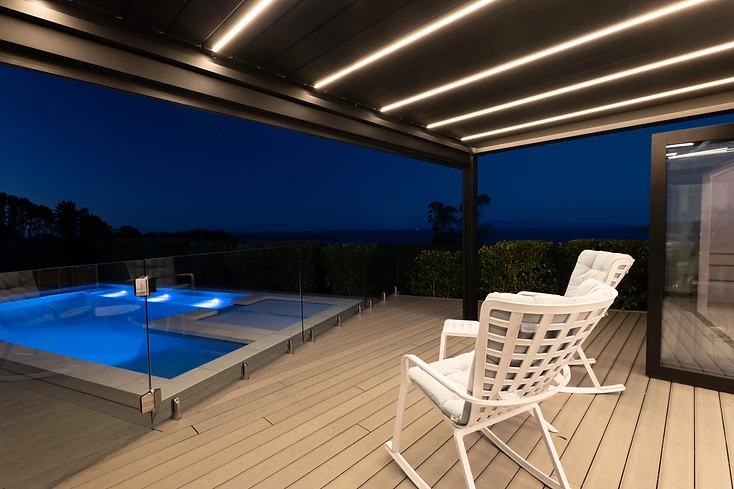
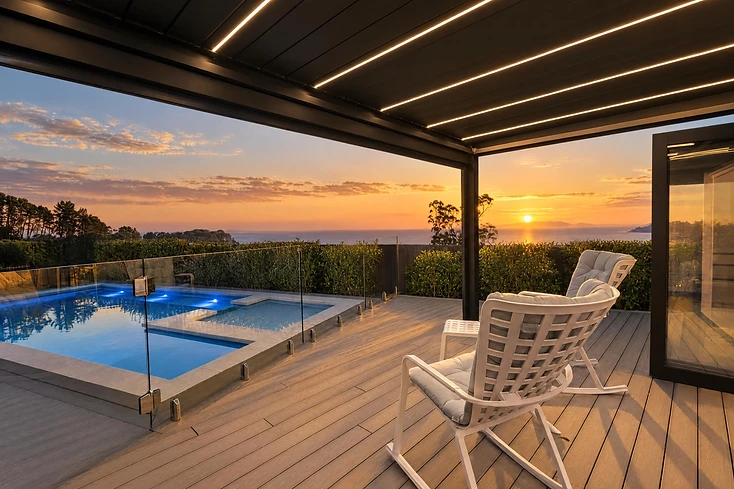 Relight
Add warm, directional golden-hour light for a richer, more atmospheric finish while keeping the property true to the original photograph.
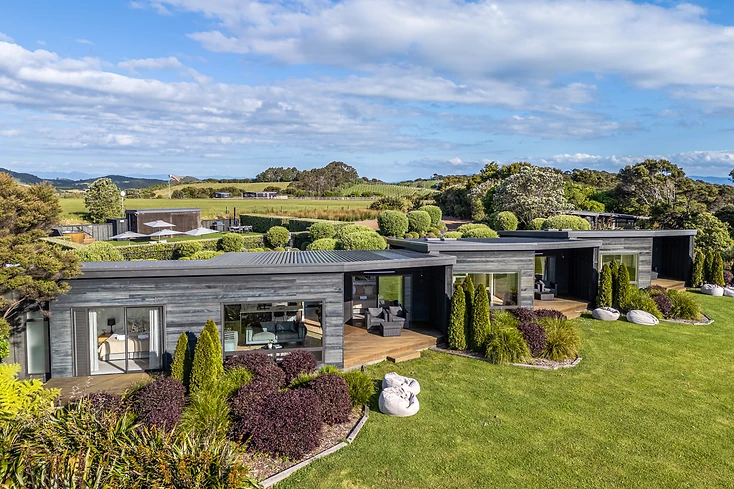
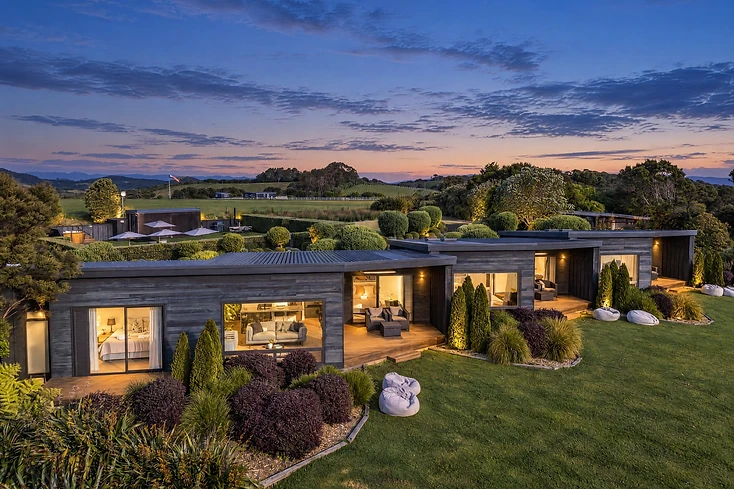 Relight
Transform a daytime image into a convincing dusk or blue-hour scene with balanced exterior colour and naturally illuminated interiors.
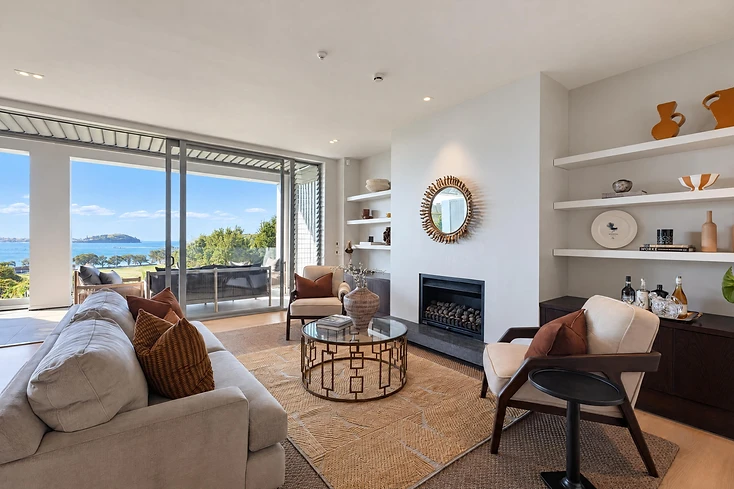
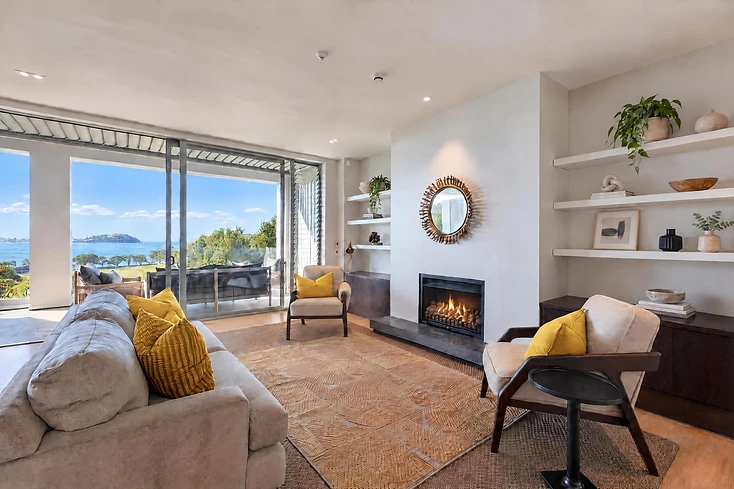
 Refine
Brush over a specific area and describe the change — remove distractions, tidy details, add a fireplace glow, or make targeted refinements without re-editing the whole image.
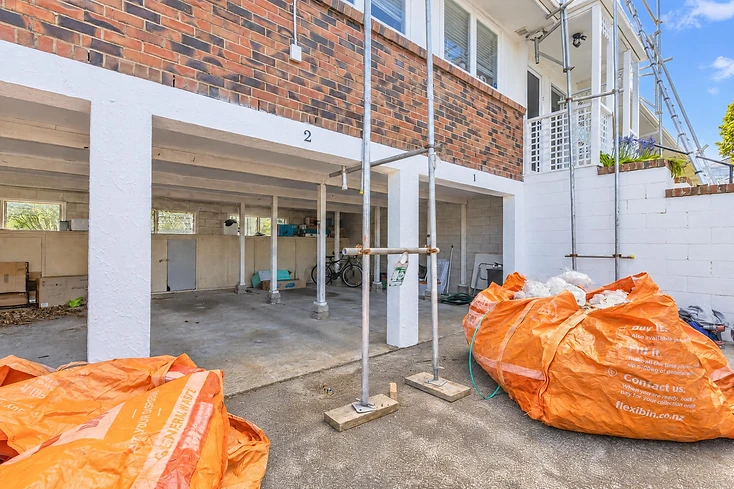
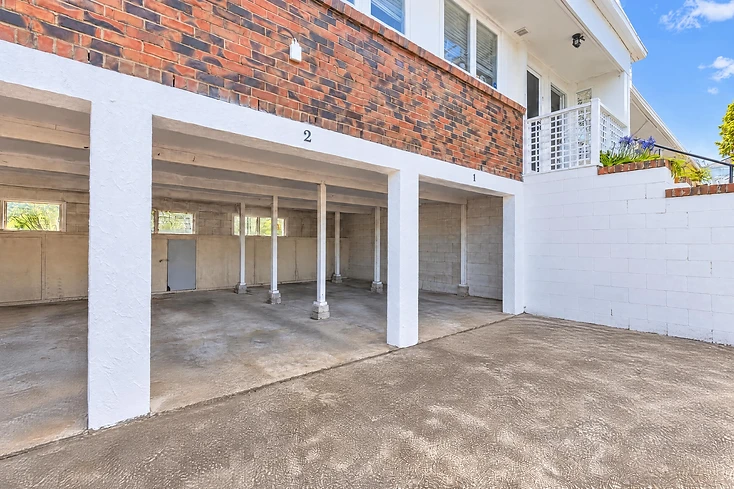 Refine
Brush over the objects that shouldn't be in frame and describe what should go — construction bins, scaffolding and stored items are lifted out cleanly, leaving the building, the bay markings and the concrete finish exactly as photographed.
 Refine
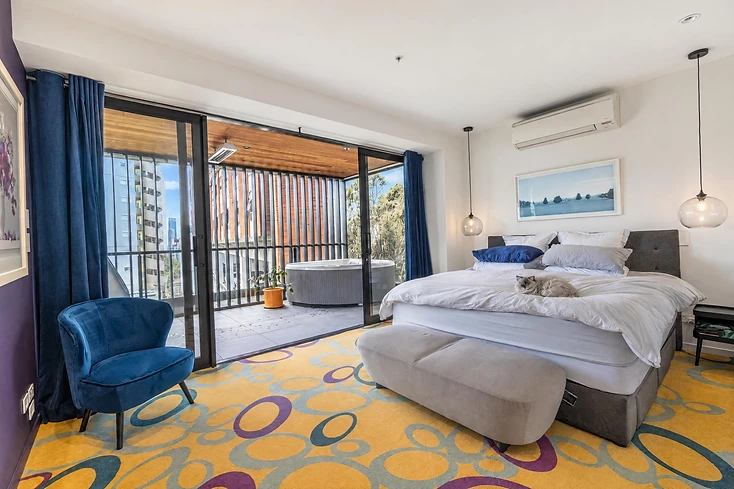
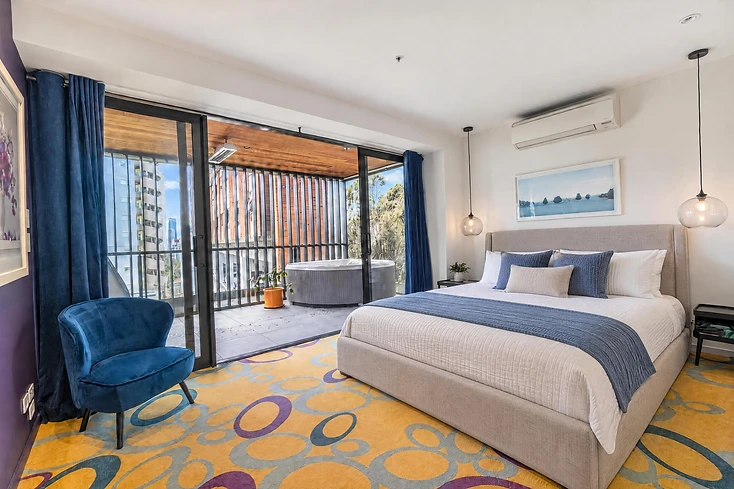
Brush over a single element and describe how it should be restyled — re-dress a bed with fresh linen, a different runner and rearranged cushions, without touching the headboard, the carpet or anything else in the room.
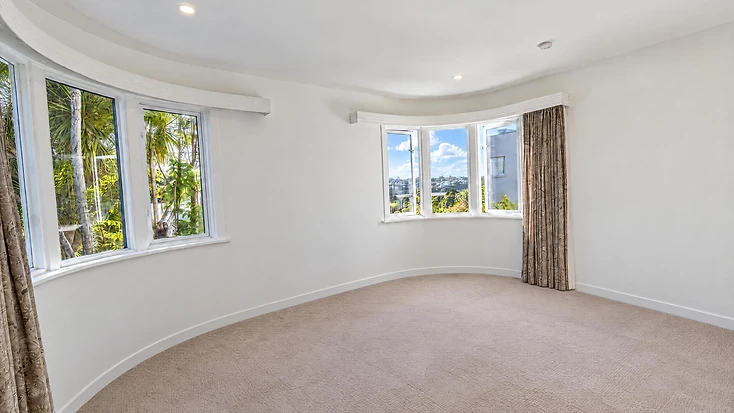
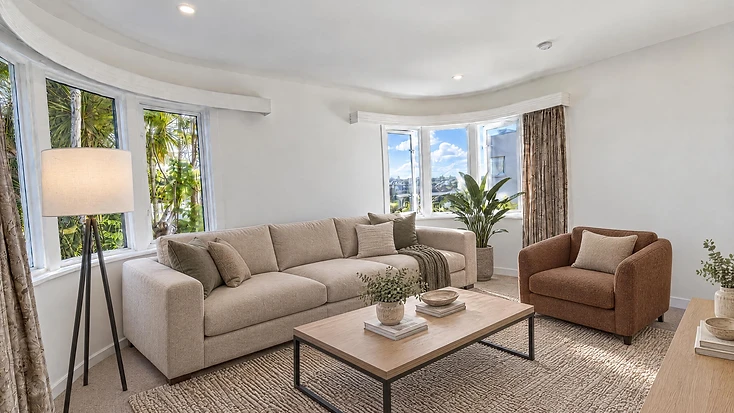
 Refurnish
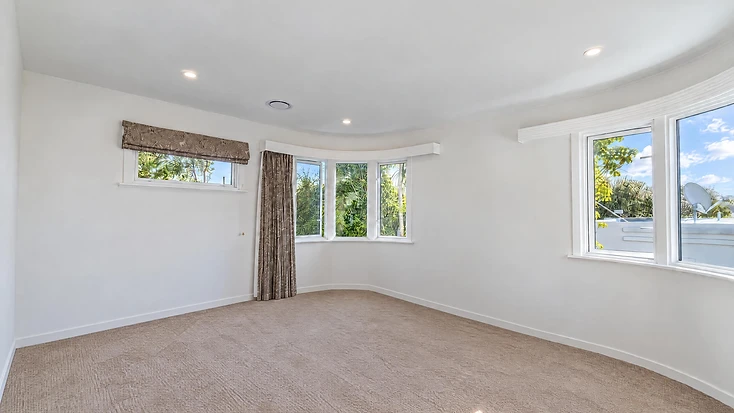
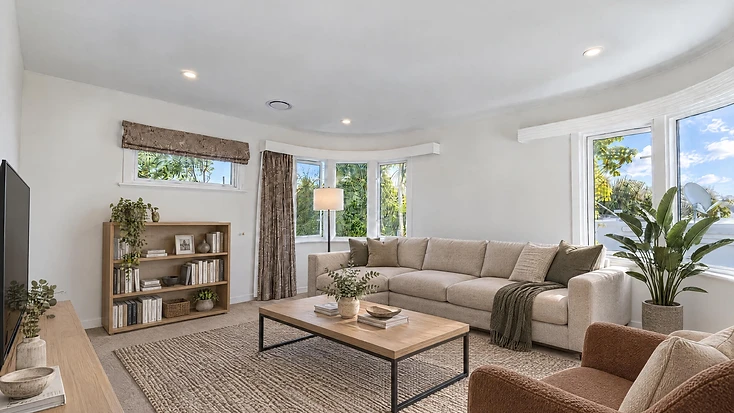
Stage a room that was photographed from more than one position. The furniture is placed once on the room's own layout, then rendered into every photograph — so the same pieces, in the same place, hold up from both angles.
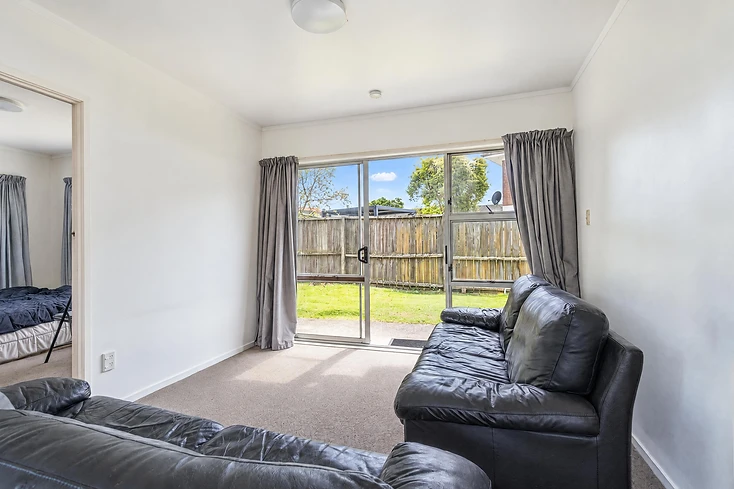
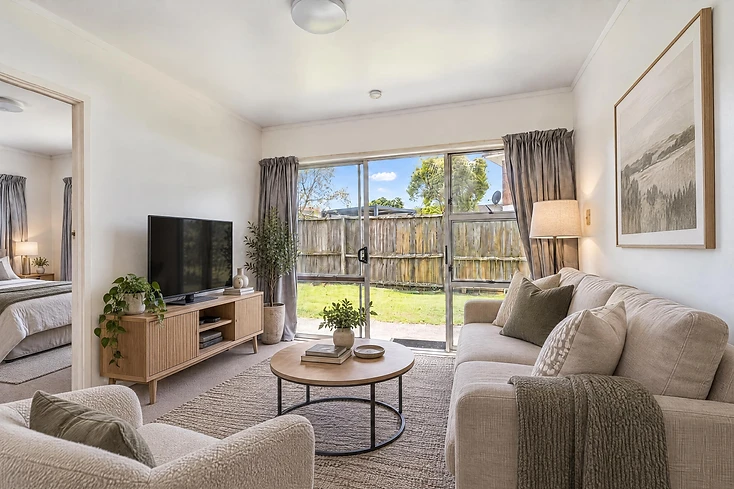 Refurnish
Clear visual clutter from a room, then optionally restyle or virtually furnish the space while preserving the underlying architecture and proportions.
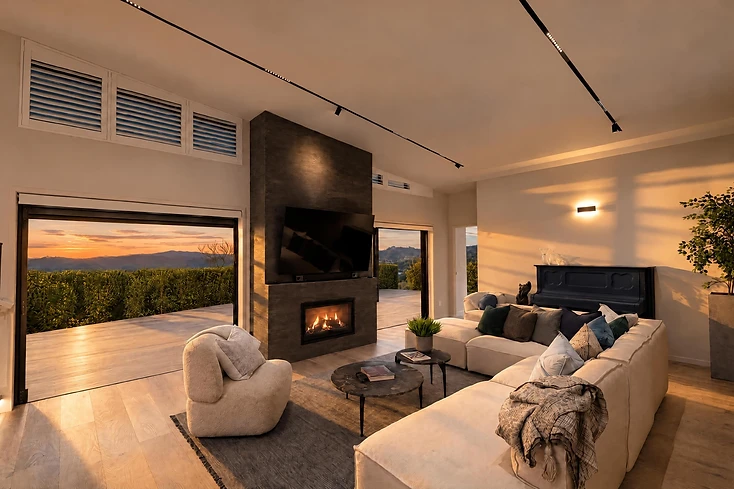
 Revive
Turn a completed property image into a short cinematic clip with subtle camera movement, natural light transitions, and motion designed to feel believable rather than artificial.
Want this look on your own shoot?
Upload a job and have your first finished gallery back today.
Start editing free


